Interface Designed for Speed
The fastest way to manage assets.
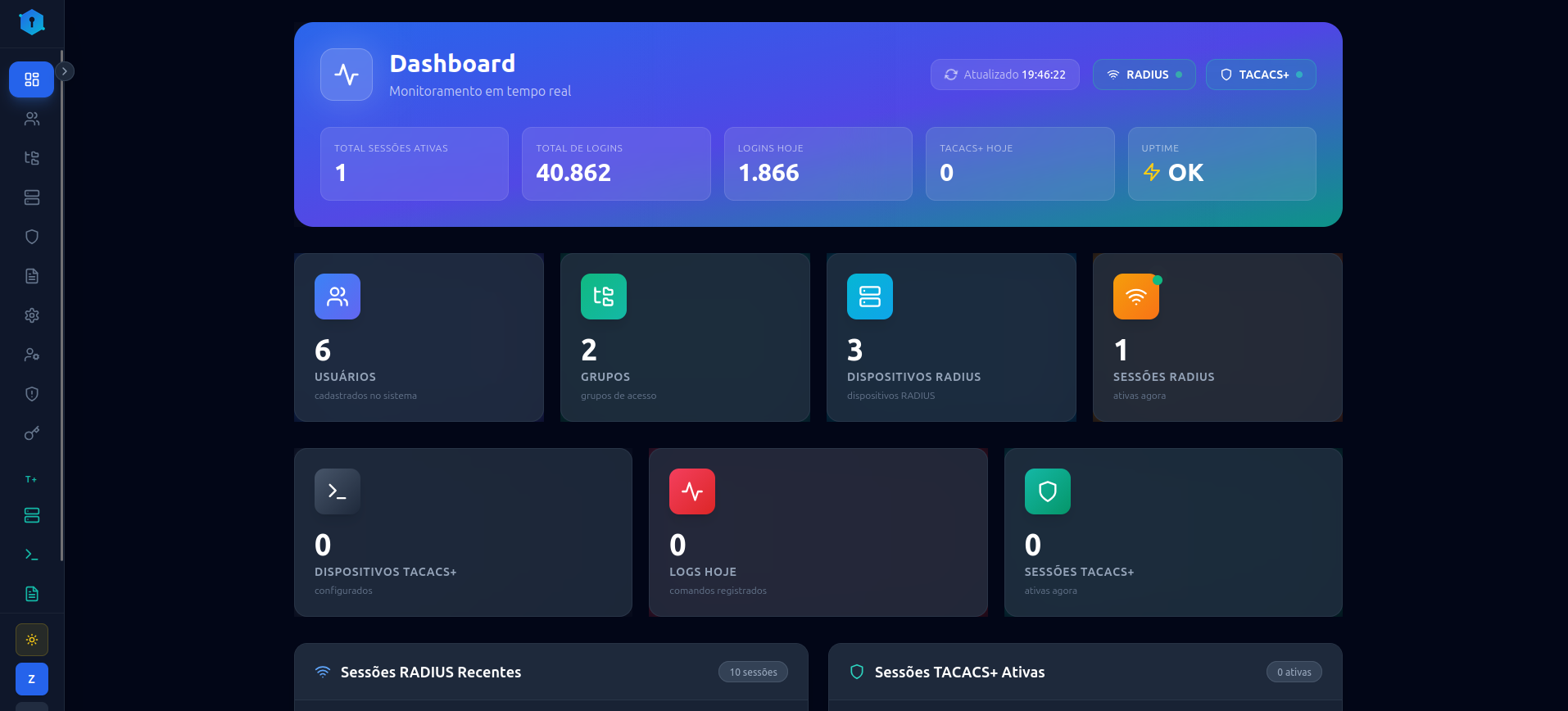
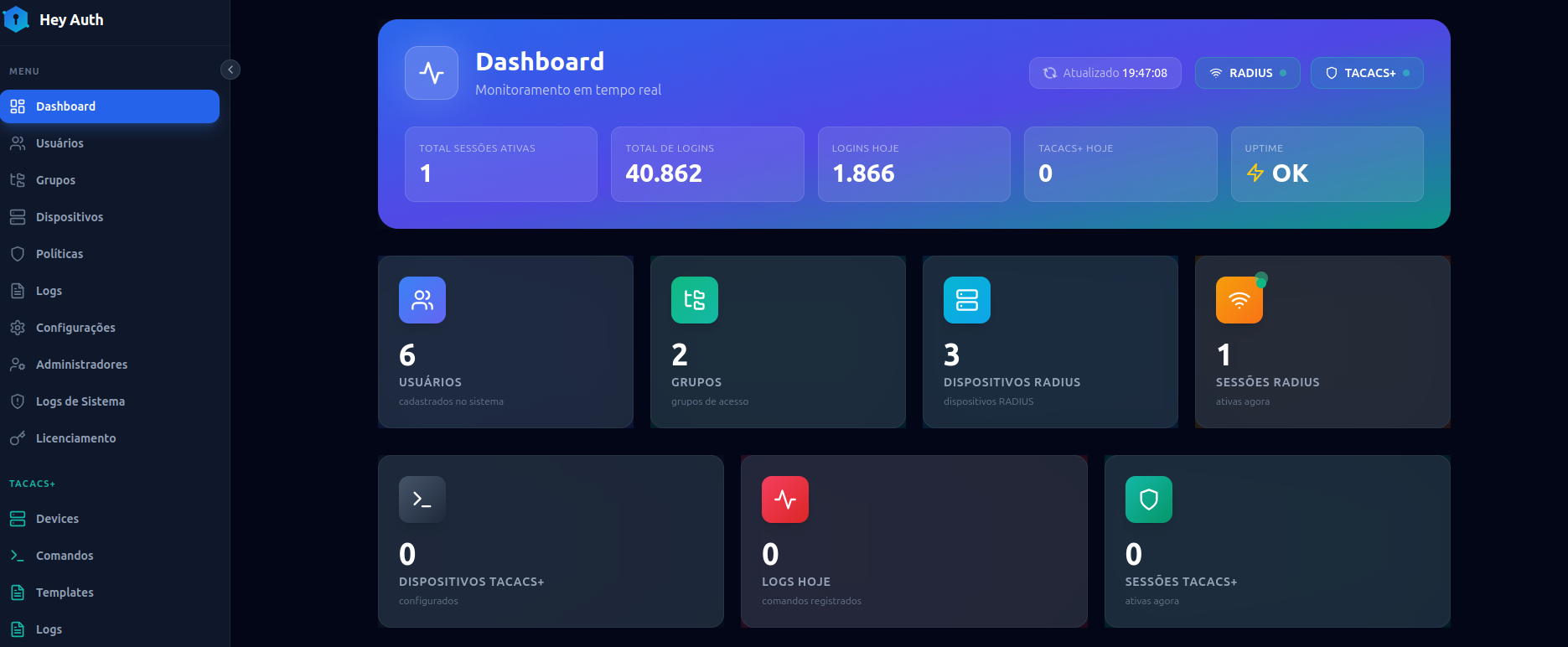
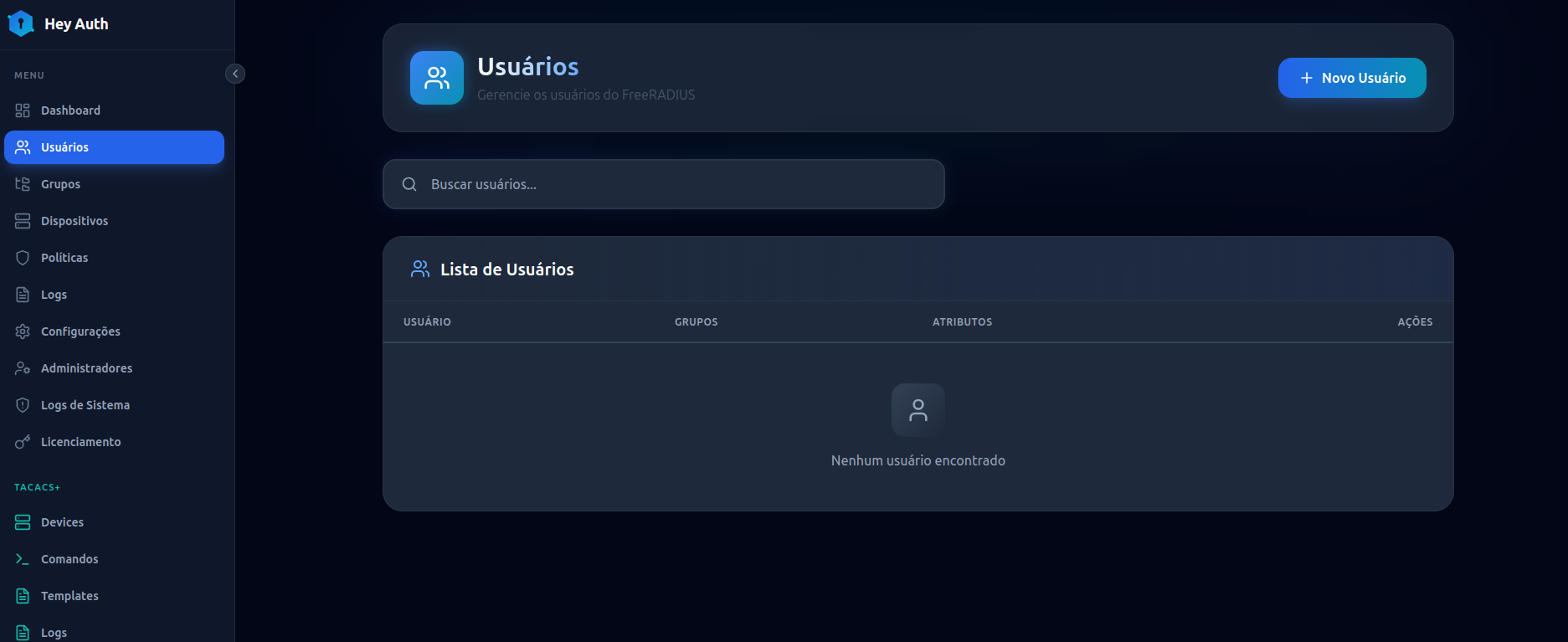
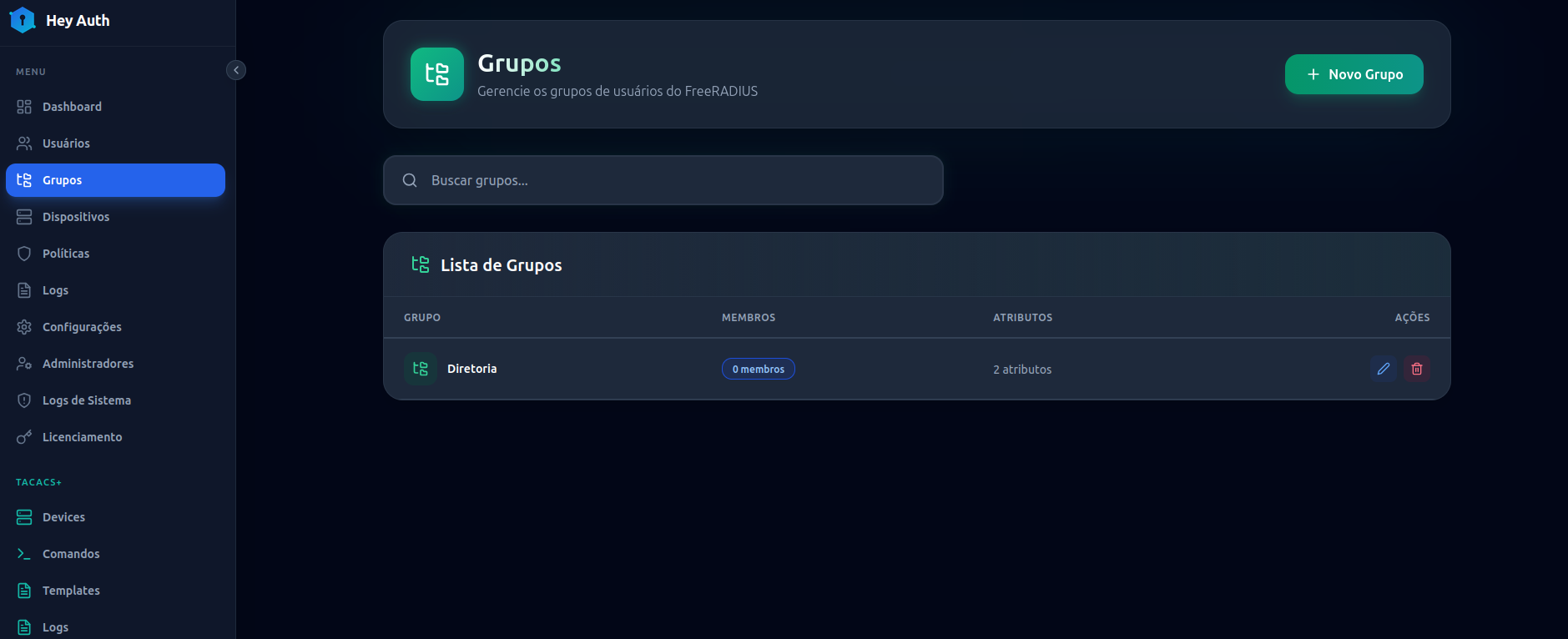
Keep your network secure with the ultimate control platform via TACACS+ and RADIUS. Built for high performance and reliability.
Essential management features integrated in one place.
Seamless integration of TACACS+ and RADIUS to manage access to thousands of network assets in a unified way.
Detailed history of who accessed, the login time, and all commands executed on each equipment.
Use advanced TACACS+ authorization to define exactly which commands a user or group can execute.
Maintain maximum security of the administrative panel with two-factor authentication (2FA) integrated into the web interface.
Practical function to authenticate and manage any network device without needing it to be pre-configured in the system.
Dedicated link with a secure password change process allowing collaborators themselves to recover and manage their access.
Organize all users into groups with different access levels and apply exclusive granular command limitations.
Strictly limit collaborator access so they only log in during their respective working hours.
The fastest way to manage assets.
Software designed for maximum efficiency, with competitive costs.
Required specifications to run Hey Auth on your network.
Debian or Ubuntu with Docker installed.
2x CPUs
2GB of RAM
Everything you need to get started in less than 2 minutes.
# Docker installation is required.
# Create a new directory for the project and access it:
mkdir -p /opt/HeyAuth && cd /opt/HeyAuth

# Download the system file via wget:
wget http://heyauth.com.br/HeyAuth.tar.gz

# Extract the file:
tar -xvzf HeyAuth.tar.gz

# Execute the deployment script inside the directory:
./deploy.sh

Done! Now just access the web interface.